
Train on a native core
Run 3DGS pipelines on a C++23 and CUDA foundation with save-and-resume built into the same desktop workflow.
Read the docs

LichtFeld Studio
Train, edit, and render photorealistic 3D scenes from photos or video — locally on your GPU, with Python plugins and MCP automation built in.
Native 3DGS trainingSplat editingPython + MCPWindows & LinuxGPLv3
Product tour
One pass through the current build: bring in a scan, train it, inspect and edit the result, then export it — all in the native workspace.
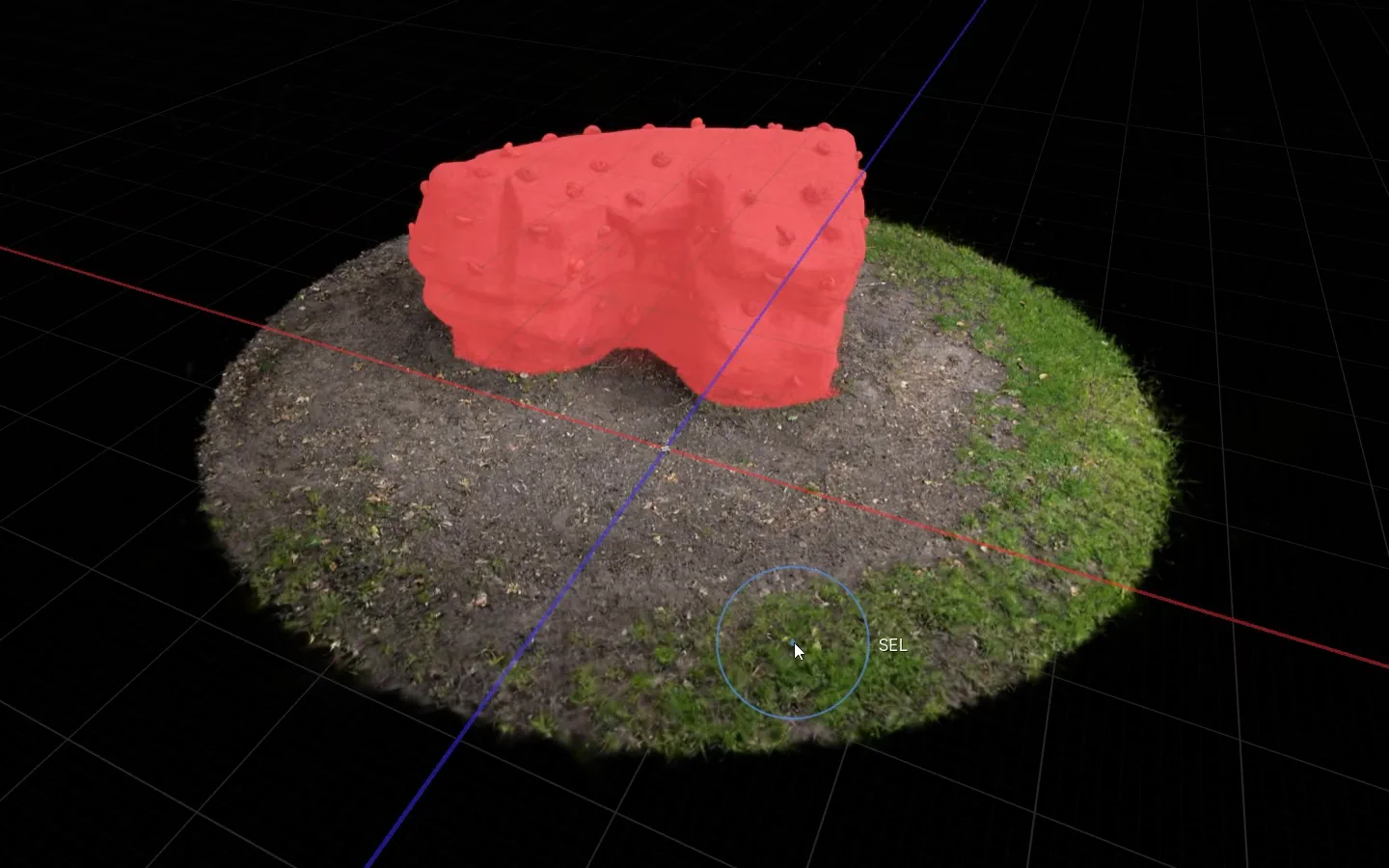 1 Select
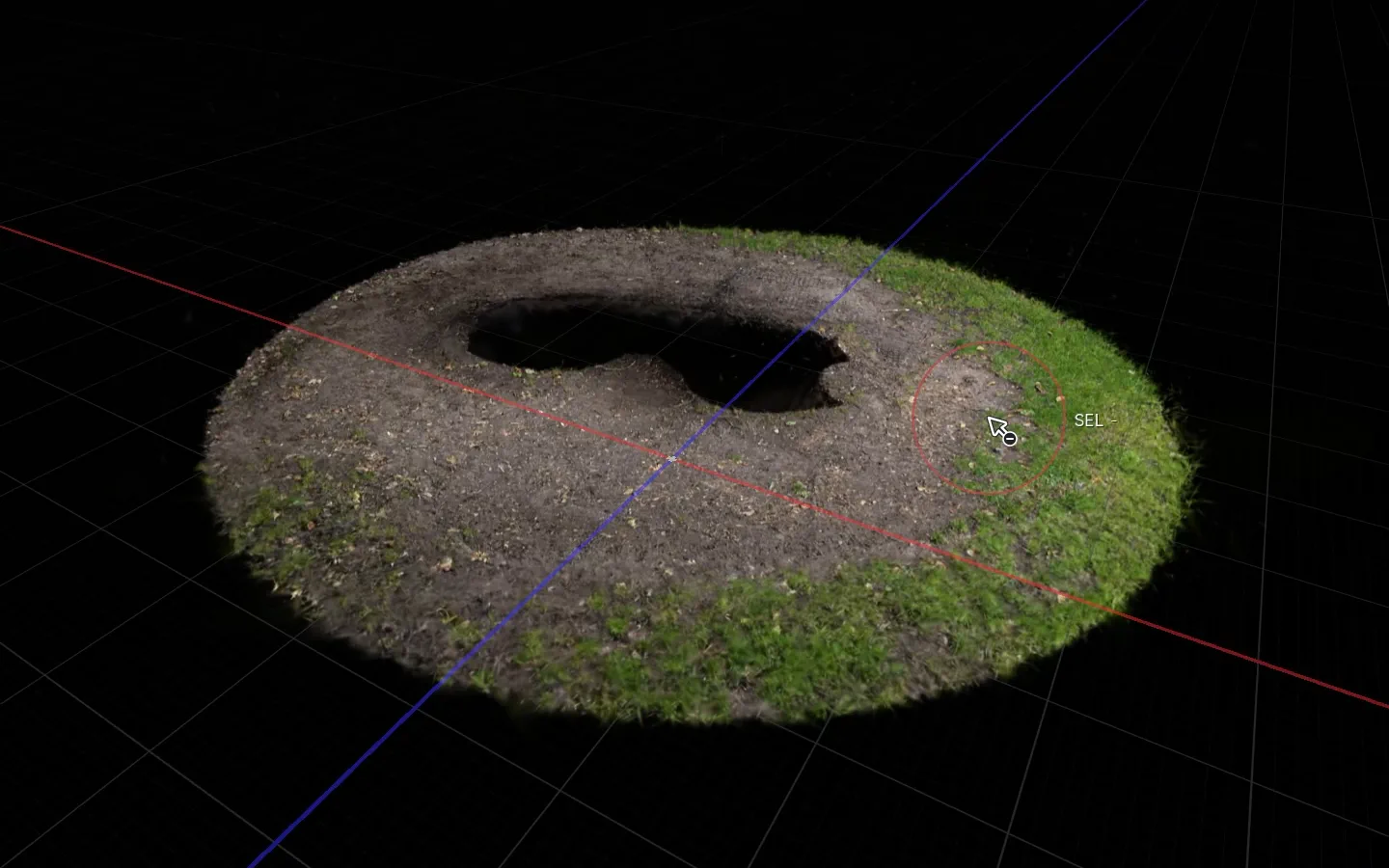 2 Delete
Splat editor
Open a PLY, SOG or SPZ from any app, paint over the splats you don't want and press Delete. Floaters, crops and alignment take a few clicks too.
Workflow
LichtFeld Studio brings training runs, live inspection, scene editing, plugins, and MCP control into one desktop workspace built around 3D Gaussian Splatting.
The same runtime handles compute, scene state, and tool extensions, so teams can work inside one consistent environment instead of maintaining a disconnected stack.
The same application handles training output, scene editing, and live inspection.
Run 3DGS pipelines on a C++23 and CUDA foundation with save-and-resume built into the same desktop workflow.
Read the docsBrush, lasso, polygon, crop, align, and compose splats while working against the live scene.
Explore the editing toolsUse Python plugins and MCP endpoints to build custom panels, operators, batch tools, and external workflows.
Browse plugins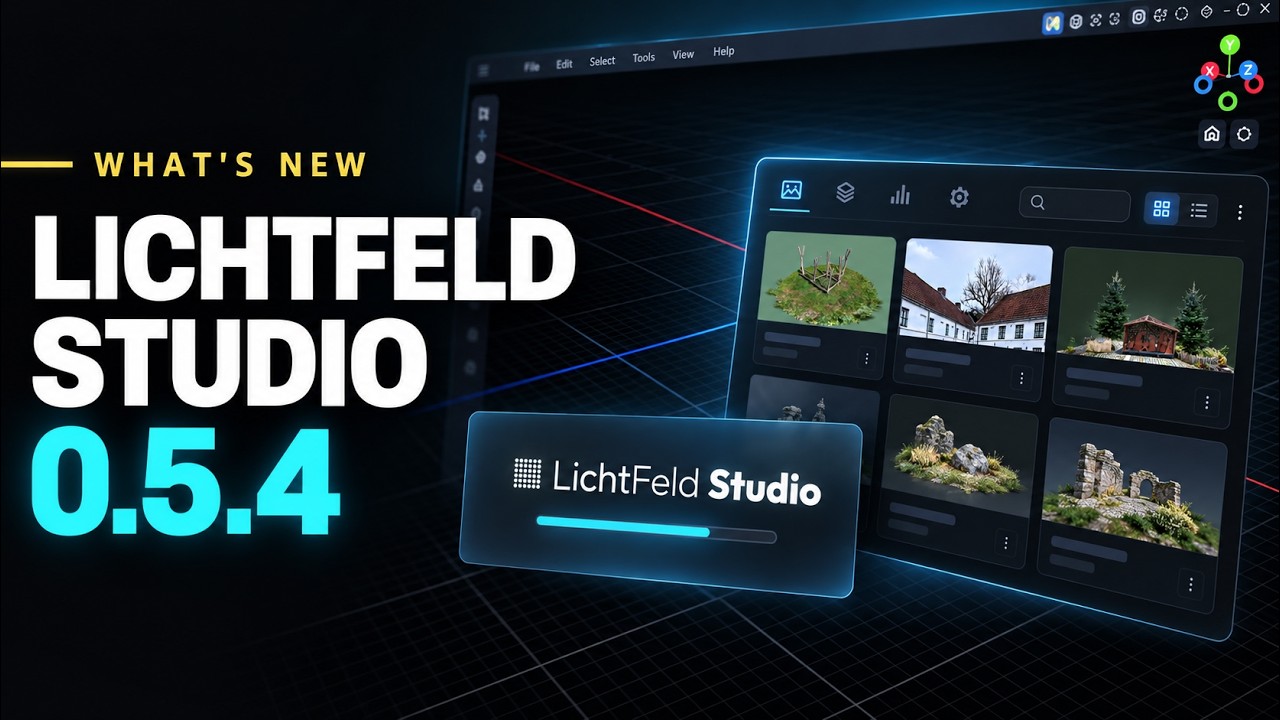
v0.5.4 brings the native .licht project format with a project manager, the online gallery in beta, up to 3x faster training than v0.5.3, lower VRAM usage, and normal-guided training.
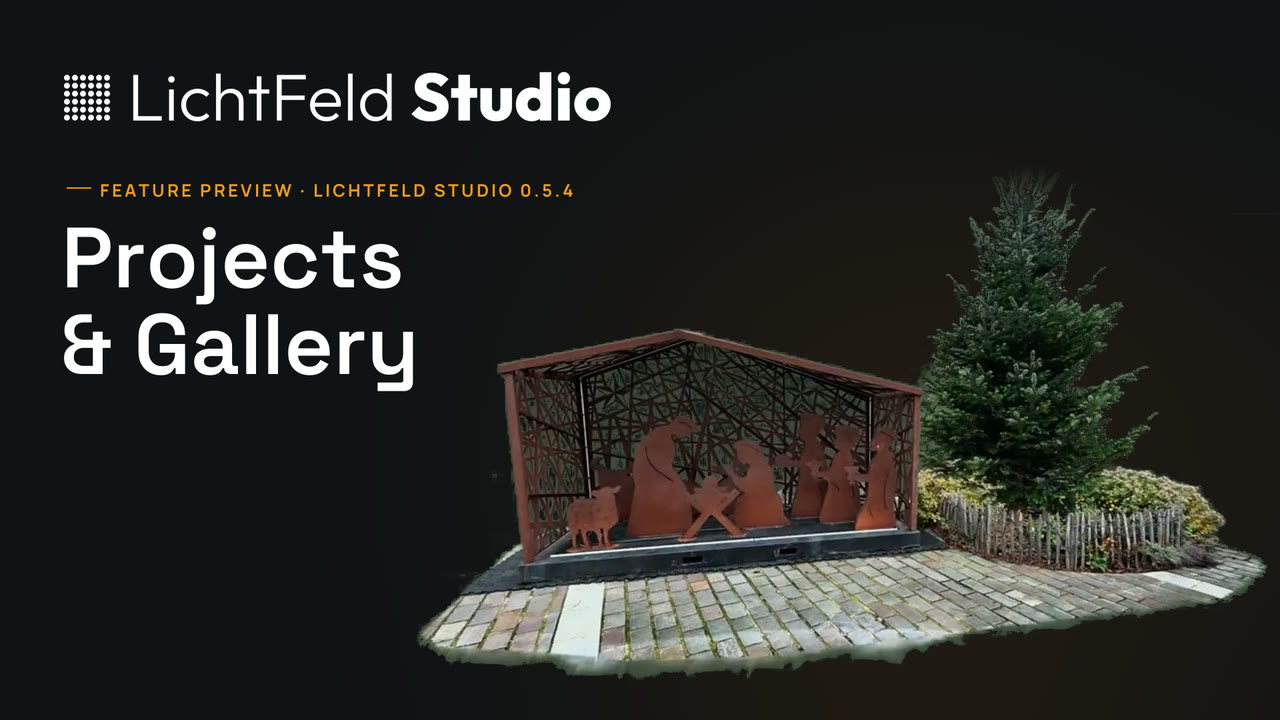
LichtFeld Studio 0.5.4 is around the corner. A full walkthrough of the new project manager and the LichtFeld Gallery: one file for the whole project, publishing from Studio, share links, stories, highlights and collections.
3D Gaussian Splatting
3D Gaussian Splatting (3DGS) turns ordinary photos and video into photorealistic 3D scenes that render in real time. LichtFeld Studio is a free, open-source Gaussian Splatting application that covers the whole workflow — training, editing, rendering, and automation — locally on your own GPU.
Instead of meshes or NeRF-style neural networks, a Gaussian Splat scene is built from millions of 3D Gaussians that rasterize in real time. That speed makes 3DGS a natural fit for scanning real places and objects, drone and aerial capture, virtual production, and interactive visualization.
Community
LichtFeld Studio is developed in public under GPLv3. Development discussion, support, and scene sharing happen on Discord, and the contribution backlog is open to everyone.
Foundational Sponsor

Gold


Hardware Sponsor

Download the Windows build, or compile from source for Windows and Linux. The docs cover hardware requirements and your first training run.